
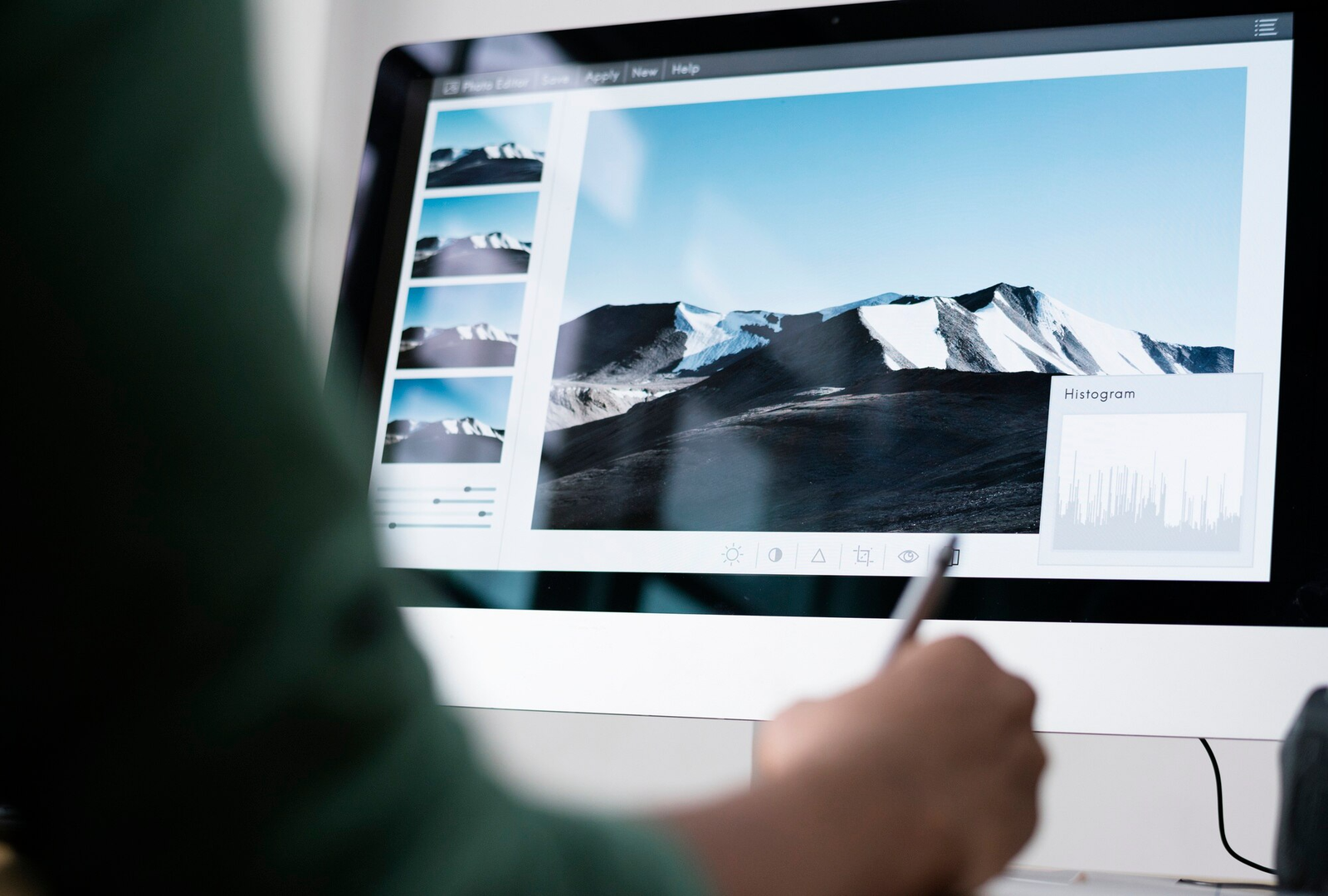
Image optimisation for SEO is the foundation of a high-performing website. Visual content makes your pages engaging, but it can also slow down your site if not handled correctly. Proper image optimisation for SEO bridges the gap between beautiful aesthetics and lightning-fast technical performance. Let us explore how you can transform your visual assets into powerful tools for organic growth.
Why Image Optimisation Is Critical for Web Performance and Rankings
Before diving into the technical details, it is important to understand the real-world impact of your visual assets. Search engines and human users alike penalise websites that fail to deliver a fast and seamless experience. When you treat your images as an afterthought, you actively leave traffic and revenue on the table.
Reducing Bounce Rates Through Improved Page Speed
Visitors expect pages to load in under three seconds. If your visuals are heavy, your website will drag and frustrate potential customers. Knowing how to improve website loading speed with images is essential for keeping users engaged. Smaller file sizes mean faster rendering, which directly leads to lower bounce rates and higher conversion opportunities.
Enhancing Search Visibility in Google Images
Visual search is a massive driver of organic traffic. If you are wondering how to make images SEO friendly, the answer lies in clear alt text and descriptive file names. Google relies on this text context to understand your visuals. Avoid keyword stuffing and simply describe the image accurately to rank higher in image search results.
Choosing the Best File Formats for High Quality and Low Weight
Not all image files are created equal. Selecting the correct format is your first line of defence against bloated web pages, ensuring your visuals remain crisp without dragging down your load times.
Comparing AVIF and WebP for Modern Browser Compatibility
Next-generation file formats offer significant reductions in file size. WebP provides excellent compression for both lossy and lossless image types. AVIF goes even further, offering superior visual quality at much lower file sizes than WebP. Using these modern formats ensures your website loads quickly across all updated browsers.
When to Use Traditional JPEG and PNG Formats
While newer formats are excellent, older browsers might still need reliable fallbacks. JPEGs are best for complex photographs with thousands of colours. PNGs remain the standard for simple web graphics or images requiring transparent backgrounds.
Using SVG for Logos and Scalable Vector Graphics
SVGs are code-based images perfect for logos, icons, and interface elements. They scale infinitely without sacrificing quality or adding unnecessary weight to your page.
Professional Techniques for Effective Image Compression

Even with the right file format, raw images are often too heavy for immediate web use. Mastering compression and scaling allows you to strip away unnecessary data without compromising the visual integrity your brand demands.
Balancing Visual Quality With Lossy and Lossless Compression
Compression strips hide data from your image files. Lossless compression reduces file size without affecting visual quality. Lossy compression removes some pixel data to achieve much smaller file sizes. The goal is to find the perfect middle ground so your website remains visually stunning while loading instantly.
Using Automated Tools to Scale Image Dimensions
Uploading a massive original photograph to a small blog container wastes bandwidth. Automated scaling tools help you resize images to their exact display dimensions before they ever reach the user.
Setting the Correct Resolution for Web Displays
Print photography requires high resolution, but web displays do not. Saving your files at 72 PPI is a standard digital practice that keeps files light and perfectly clear on screens.
Advanced Technical Implementations for Faster Delivery
Once your files are perfectly formatted and compressed, how you deliver them to the user’s browser matters just as much. Implementing smart load-balancing strategies ensures that your server works only as hard as it needs to at any given moment.
Implementing Lazy Loading to Prioritise Critical Content
You do not need to load every picture on your page at exactly the same time. Lazy loading images tells the browser to delay loading visuals that are further down the page until the user actually scrolls near them. This prioritises the content at the top of the screen, dramatically speeding up the initial page load.
Using Responsive Images With Srcset for Different Screen Sizes
Serving the exact same large file to a desktop monitor and a smartphone is highly inefficient. The srcset HTML attribute lets you provide multiple image sizes. The browser then automatically downloads the most appropriate size for the specific device being used.
The Importance of Image Sitemaps for Better Crawling
Search engines sometimes need a map to discover all your visual assets. Adding your visuals to a dedicated image sitemap ensures that Google bots can easily find, crawl, and index them.
Optimising Product Photography for Mobile User Experience
With the majority of web traffic now originating from smartphones, your visual strategy must cater to the mobile-first index. This means carefully balancing the need for high-resolution product details with the very real constraints of mobile data networks.
Reducing Data Consumption for Mobile Visitors
Mobile users frequently rely on mobile networks with limited data speeds. When you optimise images for mobile performance, you significantly reduce the bandwidth required to view your store. This creates a frictionless shopping experience and prevents mobile shoppers from abandoning their carts.
Ensuring Visual Clarity on High-Density Retina Displays
Modern smartphones have incredibly sharp screens. You need to provide high-pixel-density images so your products look crisp and professional. Serving a responsive image that is twice the standard size ensures perfect clarity on retina displays without slowing down older devices.
Tools and Resources for Measuring Image Performance
You cannot improve what you do not measure. Thankfully, you do not need to guess if your optimisation efforts are actually working, as several industry-standard platforms can pinpoint exactly where your website is losing speed.
Analysing Opportunities With PageSpeed Insights
Google PageSpeed Insights provides clear, actionable data on your website’s speed. It will show you exactly which pictures are slowing you down and suggest specific formatting or sizing improvements.
Regular Audits for Broken Images and Missing Tags
Your digital presence requires ongoing maintenance. Regular technical audits help you catch missing alt text, broken links, and oversized files. Fixing these errors improves web accessibility and maintains a strong user experience.
Improve Your Website Performance With Expert Services From Gaiada
Managing technical details like responsive scaling and next-generation formats requires time and precision. Let our team handle the heavy lifting so you can focus on running your core business. If you want to implement professional image optimisation for SEO to outrank your competitors and deliver a flawless user experience, reach out to Gaiada today to start a conversation about elevating your entire digital strategy.


